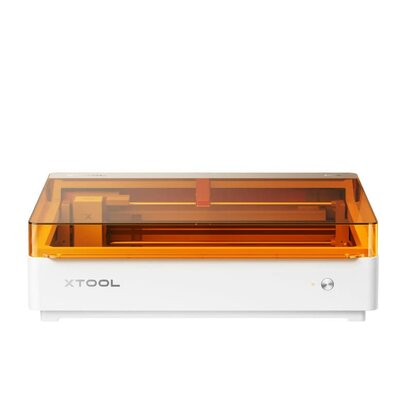
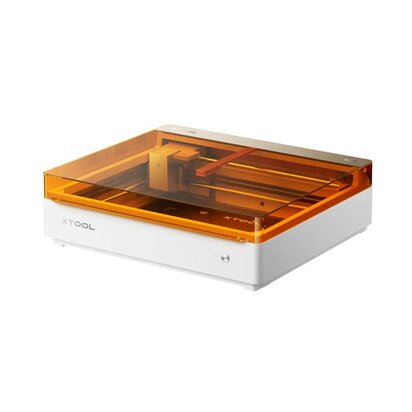
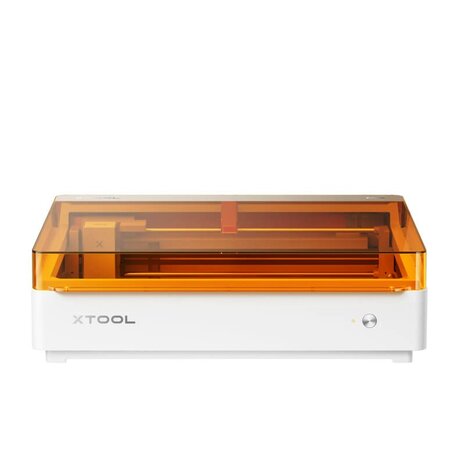
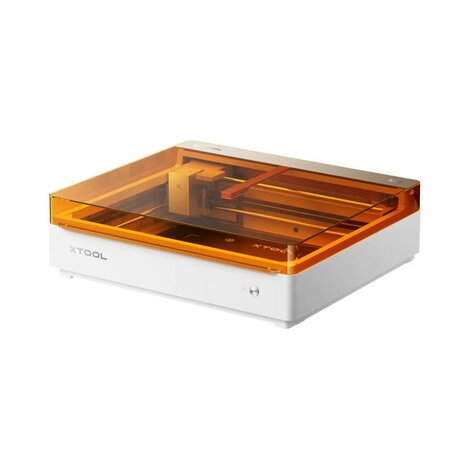
The xTool M2 is a versatile and user-friendly hybrid cutting and engraving machine, ideal for creative makers, small businesses, schools, and hobbyists.
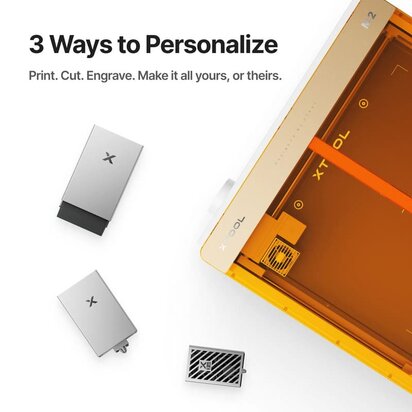
By combining laser engraving with precision cutting, the M2 offers extensive possibilities for personalizing and creating a wide variety of projects.
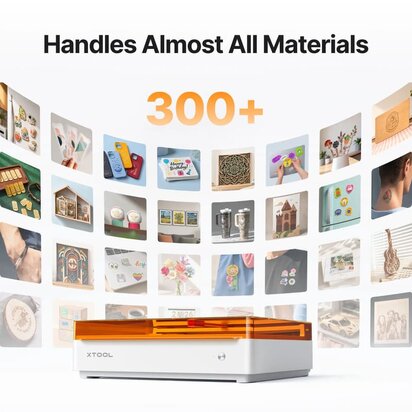
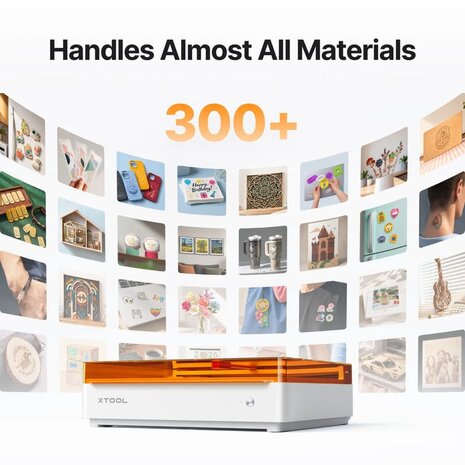
With the xTool M2, you can easily cut or engrave materials such as wood, acrylic, leather, cardboard, paper, vinyl, and fabric.
The machine combines high precision with intuitive software, making it easy for both beginners and experienced users to get started quickly.
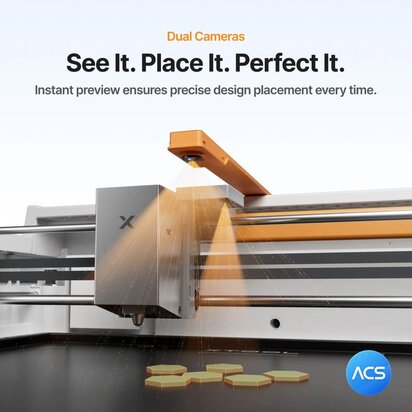
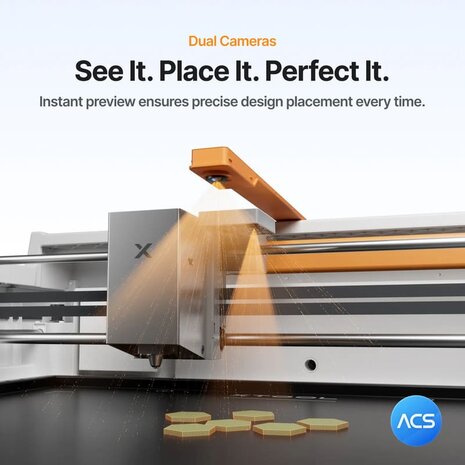
The integrated camera ensures accurate positioning of designs and allows efficient use of leftover materials or pre-printed objects.
Thanks to its compact design, the xTool M2 fits perfectly into workshops, stores, classrooms, or home environments.
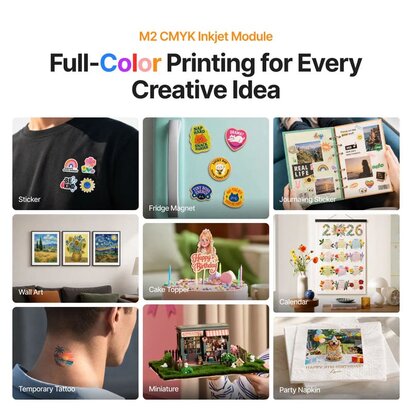
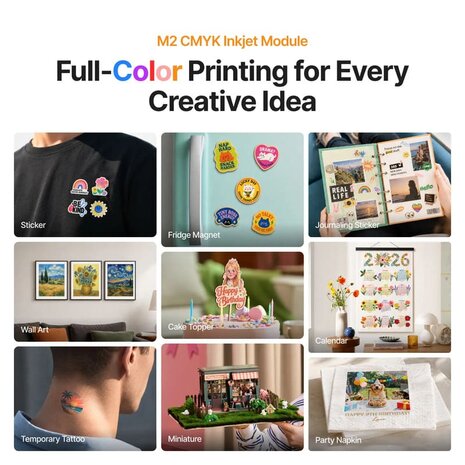
Whether you want to create personalized gifts, stickers, decorations, packaging, or prototypes, the xTool M2 offers a professional solution in an accessible format.
-
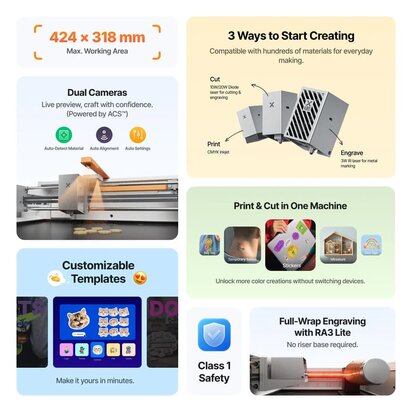
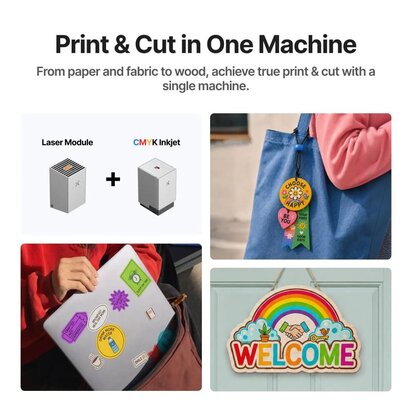
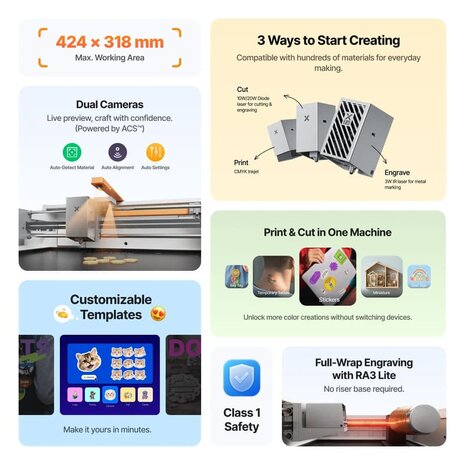
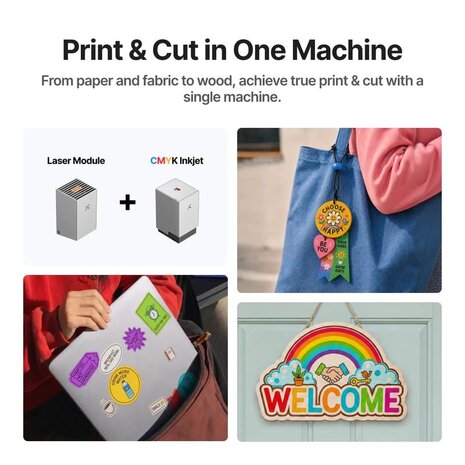
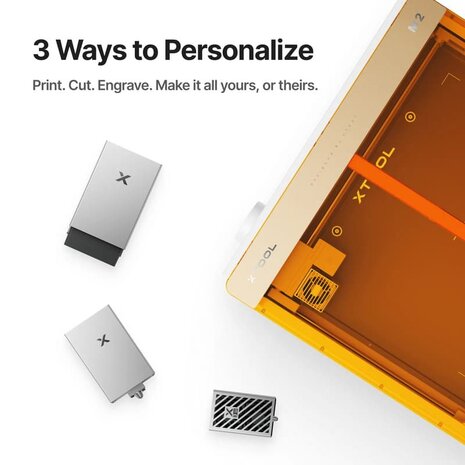
Versatility: Print, cut and engrave across diverse materials.
-
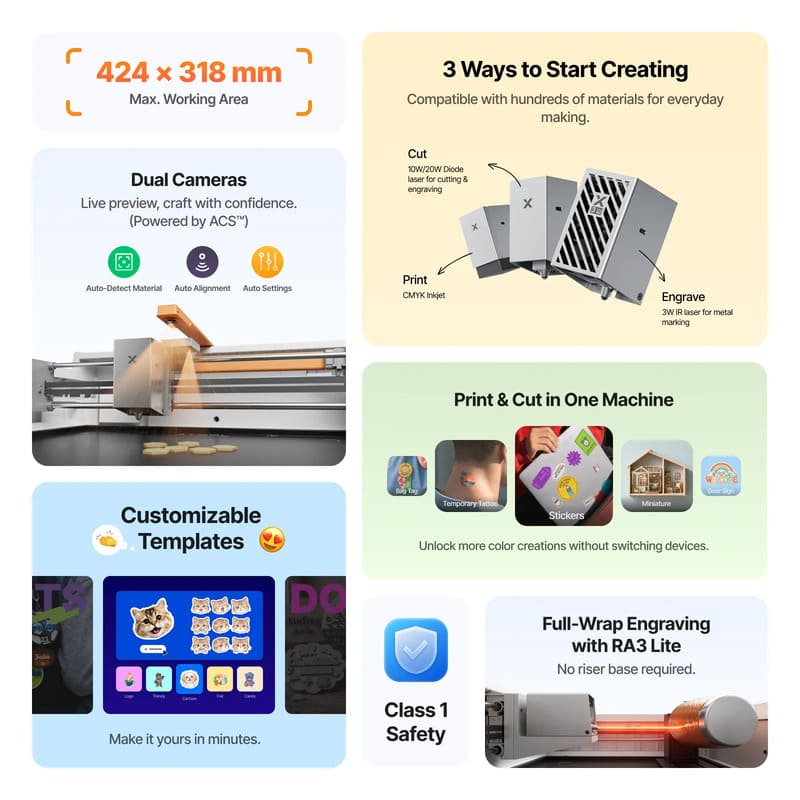
Dual Cameras: Smart positioning and live preview ensure perfect alignment.
-
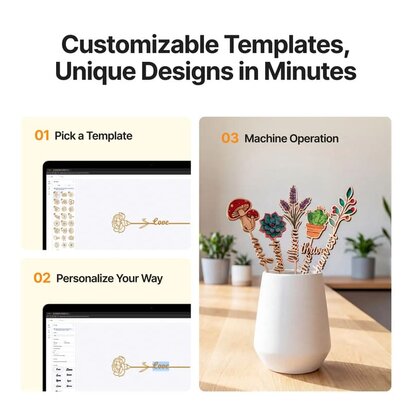
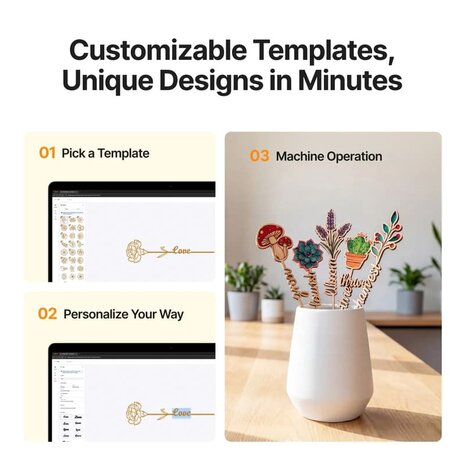
Effortless Experience: Intuitive software with ready-to-use templates
-
Endless Applications: Ideal for stickers, tattoos, decor, and custom gifts.
-
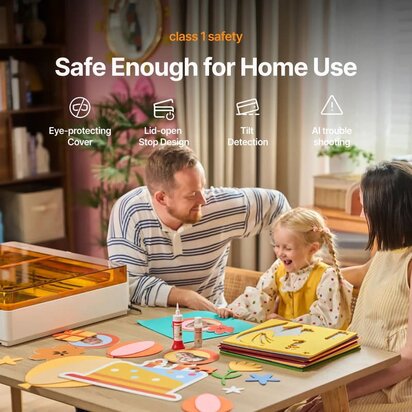
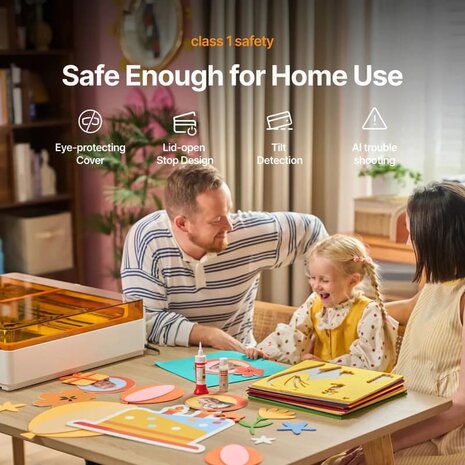
Class 1 Safety: Enclosed design ensures safe, worry-free operation.
PROCESSING CAPACITY
Module type:
- Laser module: 20W Blue diode laser
- 3w Infrared Laser (add-on)
- Print module: CMYK inkjet (add-on)
Processing mode: Laser cutting/ Laser engraving/ Inkjet printing
Working area:
- 10W/20W: 426mm x 320mm
- 3W: 412mm x 310mm
- Inkjet mode: 300mm x 294mm
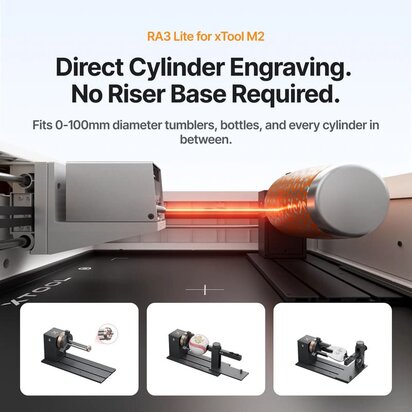
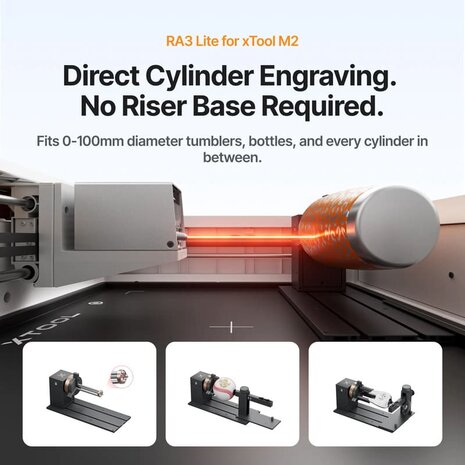
Max. rotary engraving diameter: 0-100mm
Max. speed: 600 mm/s
Max. cutting capacity:
- Basswood: 10W: 8mm in one pass // 20W: 10mm in one pass
- Black acrylic: 10W 3mm in one pass 20W 8mm in one pass
EASY OPERATION
Pre-assembled: Yes
Built-in camera: 5MP panoramic camera & 2MP close-range camera
Positioning method: Camera positioning
Focus mode: Autofocus
ACCURACY & PRECISION
Laser spot size:
- 10W diode laser: 0,04mm x 0,06mm
- 20W diode laser: 0,06mm x 0,08mm
Positioning precision: up to 0,2mm (wide-view positioning: <1,5mm)
Ranging precision: 0,1mm Probe
Motion accuracy: 0,01mm
GENERAL INFORMATION
Product Dimensions: 610 mm × 569 mm × 180 mm
Safety Certification: Class 1 Laser Safety (TÜV SÜD Certified)
Product Weight: 12,3 kg
Max. Machine Input Power: 200 W
Power Adapter Input Voltage: 100 V - 240 V ~ AC 50/60 Hz
SOFTWARE
Supported Software: xTool Studio
Operating Systems: Windows / macOS
Connection Methods: USB / Wi-Fi
Supported Files: SVG / DXF / JPG / JPEG / PNG / BMP
SUPPORTED MATERIALS
Cuttable: Wood / Opaque Acrylic / Paper / Cardstock / Cardboard / Foam / MDF / Leather / Felt
Engravable: Wood / Opaque Acrylic / Transparent Acrylic / Leather / Stainless Steel / Aluminum / Plated metal / Paper / MDF / Cardboard / Felt / Rubber / Glass / Plastic / Cork / Ceramic
Printable: Paper / Cardstock / Sticker Paper / Wood / Canvas / Fabric / Felt / Leather / Glass
FAQ
** What materials can the inkjet module print on? The inkjet module can print on fabrics, boards, printing paper, and similar materials. However, it cannot print on very dense or smooth surfaces such as metal, glass, and ceramic, as the ink cannot penetrate or adhere properly. These materials can be printed on after applying a suitable ink-receptive coating.
** How long does CMYK ink last, and how do I replace it? Ink longevity depends on your usage frequency. Under the ISO/IEC 24712 standard at 5% coverage, a single cartridge yields approximately 400 pages.
To extend ink life:
-
Adjust ink density settings based on material type
-
Always secure the ink cap after use
Replacement: Ink cannot be refilled. Please purchase a new cartridge and follow the replacement instructions in the user manual.
** Do I need a riser base to process cylindrical objects like tumblers? With M2's horizontal laser output, it engraves 0–100 mm objects like tumblers, balls, and rings — no riser base required.
** Do I have to buy an air purifier? If you use the laser function regularly, an air purifier will significantly improve your experience. We recommend the SafetyPro™ AP2 Air Purifier: designed for indoor use, it effectively filters air and removes odors. Already own an xTool desktop air purifier? Contact us for a free connector accessory.
** How do I avoid laser burn marks when cutting paper? To reduce laser energy transfer and prevent yellowing along paper edges:
** Does the M2 require external air assist? No. The M2 features a built-in air pump. It delivers the exact same clean results as an external setup. Users can adjust the air pump's power output based on their specific engraving or cutting needs.
Note: The M2 does not have an external air port, so connecting a third-party air pump is not supported.